Skyrim Special Edition trainer guide
Skyrim Special Edition offers many ways to customize a long adventure, but the variety can make setup confusing. If you are looking for a Skyrim Special Edition trainer, start by identifying your exact installation. Edition names, storefronts, executable versions, and mod requirements are related details, but they are not interchangeable labels.
Choose tools around a specific goal
Think about what you want from your next playthrough. A different visual atmosphere, new quests, and temporary character adjustments require different kinds of tools. Avoid building a large collection before you can explain what each component contributes.
A trainer typically changes running values. A mod can add content or alter game files, while a script extender provides capabilities that certain mods require. Installing one does not automatically supply the others. Read each creator's instructions and keep the dependencies separate in your notes.
Understand SKSE version matching
The Skyrim Script Extender project's download page separates builds for different game runtimes and distributions. Its guidance explains that the appropriate download depends on your executable version, not simply whether your store library says Special Edition. Check that page directly instead of choosing an older build because its label seems familiar.
The project also identifies unsupported distributions. Do not assume that a tutorial for one storefront applies to every PC copy. Before installing a dependent mod, confirm that your game, script extender, and any required plugins are intended to work together.
Prepare your save and load order
Launch an unmodified setup first to establish a baseline. Create a manual save and an independent backup with the game closed. Preserve a clean copy before adding anything that changes scripts, quests, or persistent character data.
Keep a written list of installed components and their versions. If you use a manager with profiles, create a separate testing profile and understand how it handles saves. Follow the specified load order and compatibility patches rather than assuming alphabetical order is meaningful. Do not remove large scripted additions from a main save without uninstall guidance.
Troubleshoot startup and gameplay crashes
After a game update, check runtime-dependent components before making broad configuration changes. The SKSE project specifically points users toward plugin compatibility when startup problems follow a patch. First confirm that the game launches without the affected extra components, while keeping your established save backups intact.
Introduce changes gradually in a test session. Check more than the main menu: load a character, visit the relevant area, trigger the intended feature, and test saving. If the problem appears only after a specific addition, record that evidence. It is more useful than reinstalling everything without narrowing the cause.
What to check before downloading
A reliable resource should identify its creator, supported build, dependencies, and installation method. Be cautious about claims that a single trainer works with every edition indefinitely. No trainer feature set has been verified for this article.
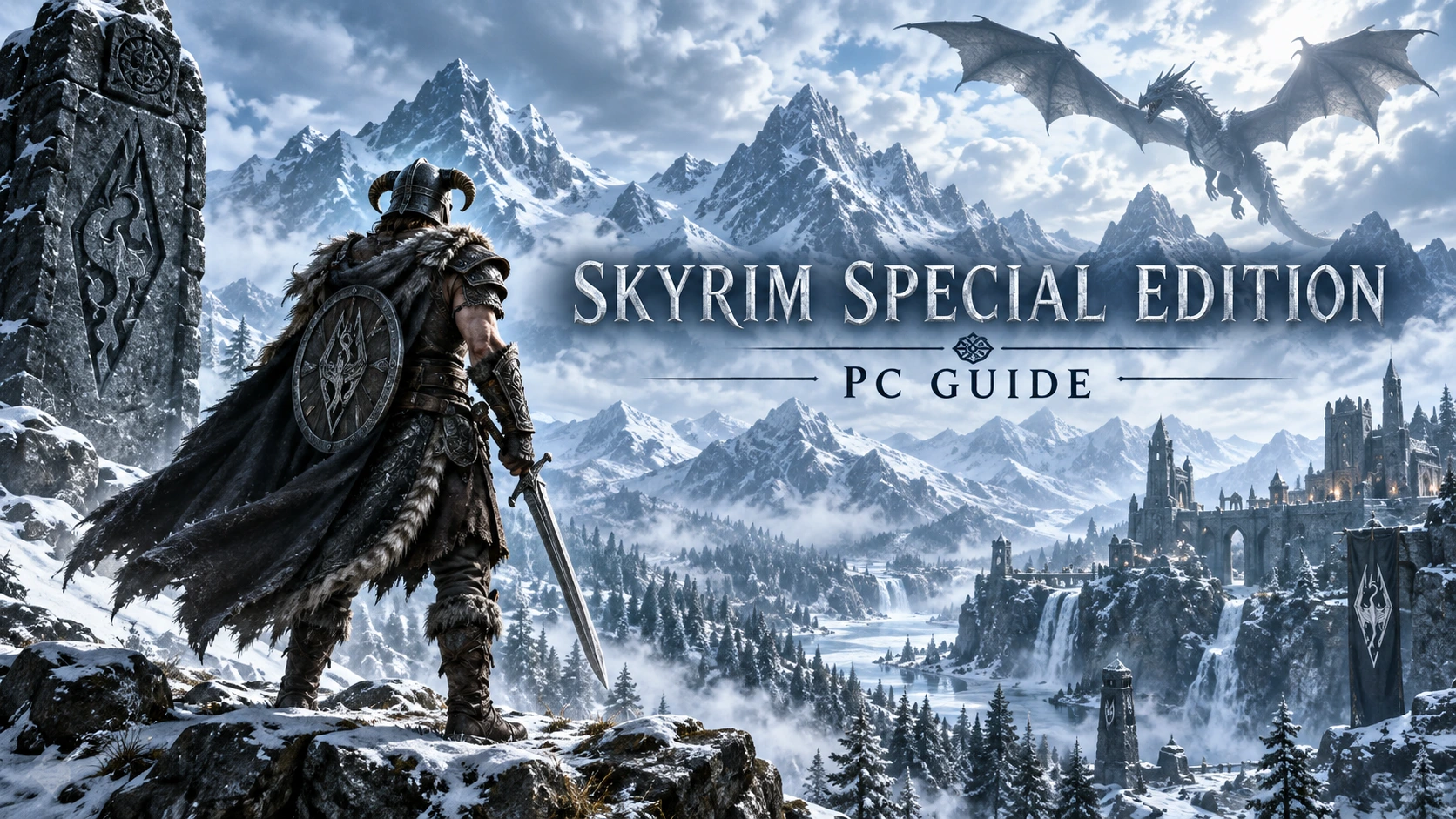
The Document link is currently a test placeholder awaiting replacement, not an available Skyrim trainer file. Use the official project links below to verify compatibility information before changing your setup. The cover is an original Nordic fantasy illustration rather than an official gameplay screenshot.
Options
Num 1 – Infinite HP
Num 2 – Infinite MP
Num 3 – Infinite Stamina
Num 4 – Edit Gold
Num 5 – Edit Perk Points
Num 6 – Zero Weight 
Num 7 – Set Game Speed
Num 8 – Set Jump Height
Num 9 – No Fall Damage
Num 0 – Dragon Shouts No Cooldown
Sources
- SKSE official compatibility and downloads
- Skyrim Special Edition official Steam listing
- flingtrainer