Project Zomboid trainer guide
Project Zomboid turns ordinary survival decisions into serious challenges. Food, shelter, injuries, and noise all matter, which makes it tempting to search for a Project Zomboid trainer immediately. A better starting point is to decide which pressure you want to adjust and whether the game's own sandbox tools can provide the experience you want.
Know the survival sandbox
The Indie Stone describes a survival RPG set in an isometric version of Kentucky. Players scavenge supplies, develop skills, and build defenses while confronting a persistent zombie threat. The developer also provides mod support and distinguishes normal releases from experimental builds. Those build differences are especially important when choosing additional content.
Instead of trying to remove every difficulty, choose a learning objective. You could practice finding shelter, organize a supply route, or learn how a particular crafting system works. A focused practice world makes your progress easier to assess than a heavily altered save.
Sandbox settings or external trainer?
Review the options offered when creating your own sandbox. Adjust only the conditions that interfere with your learning goal, and write down the original settings. An easier practice environment can help you understand survival systems without committing your main character to an experiment.
Mods provide another route to customization, but their requirements differ. Some modify interface behavior, while others add maps or alter deeper systems. A trainer is not a substitute for a mod dependency. Treat any advertised feature as specific to the author's supported version rather than assuming it works across every build.
Match your build and protect your world
Record the exact game build and release branch before downloading anything. A guide written for an older major build may not describe your installation. Read the mod author's compatibility notes and update history, especially when switching between stable and experimental releases.
Back up the relevant save with the game closed. Keep the backup outside the live save location, and use a new survivor for initial testing. For multiplayer, world data and server configuration require the host's attention; a local character backup alone may not preserve the whole session.
Troubleshoot mods systematically
Start with a small setup and add one modification at a time. Launch, load a practice world, perform the affected action, and save. Restart before declaring the configuration successful. This process can reveal problems that do not appear during the first few minutes.
When errors begin, inspect the most recent additions and any missing dependencies. Avoid continuing to overwrite your main save while testing. If a map addition requires a fresh world, follow that requirement instead of expecting unexplored content to appear automatically. Ask the author for help with a concise description of the build and reproduction steps.
A practical approach to customization
For a learning session, modest sandbox changes are often easier to maintain than several external tools. Once you understand the survival loop, decide whether further customization still adds value.
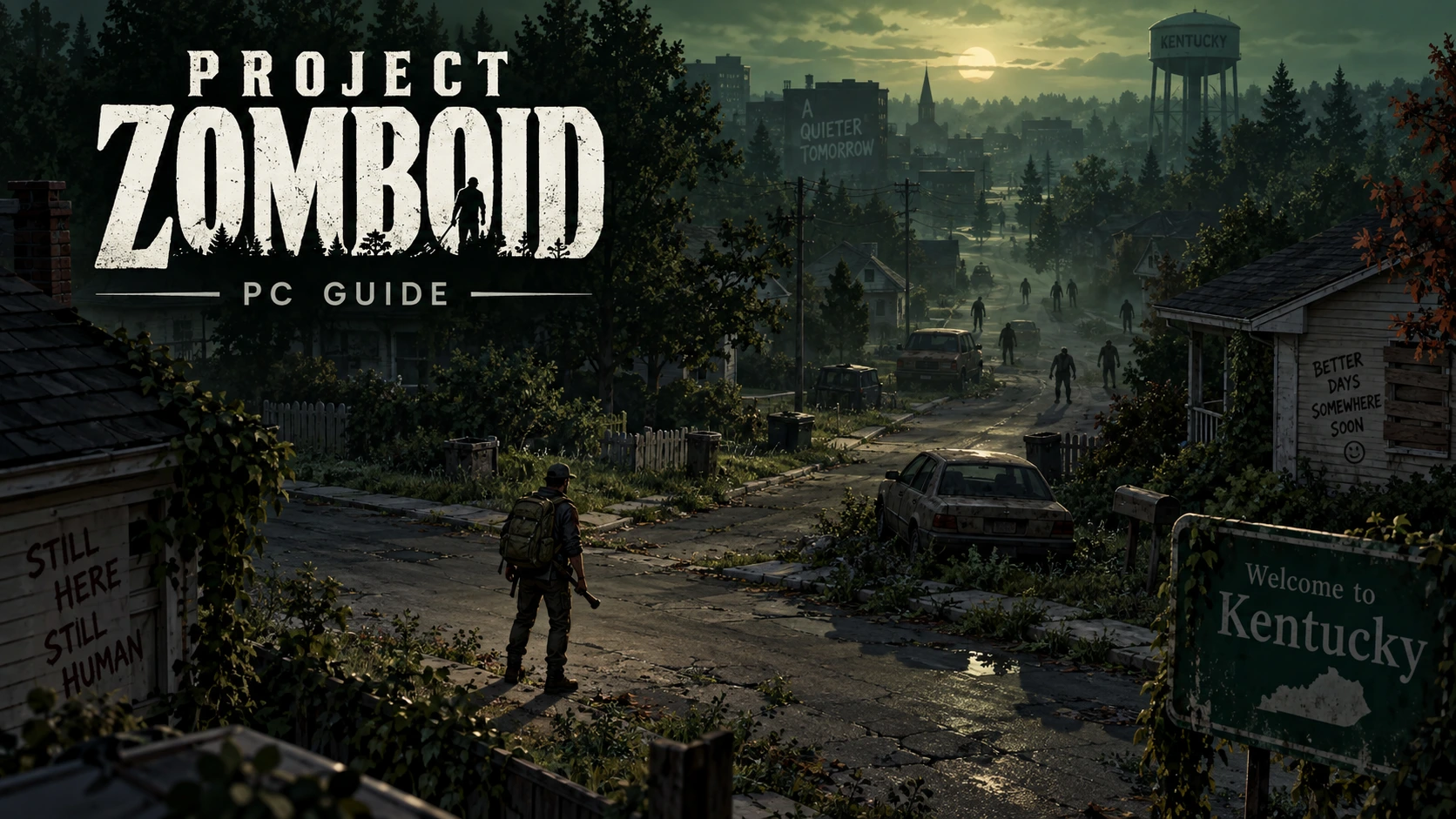
The Document field currently points to a test placeholder, not a verified Project Zomboid trainer. This article does not claim any executable was tested. Check the linked developer information for game details and release guidance. The cover is an original survival-themed illustration, not a gameplay capture.
Features:
- Numpad 1 – Enable Debug Mode
- Numpad 2 – Change Game Speed