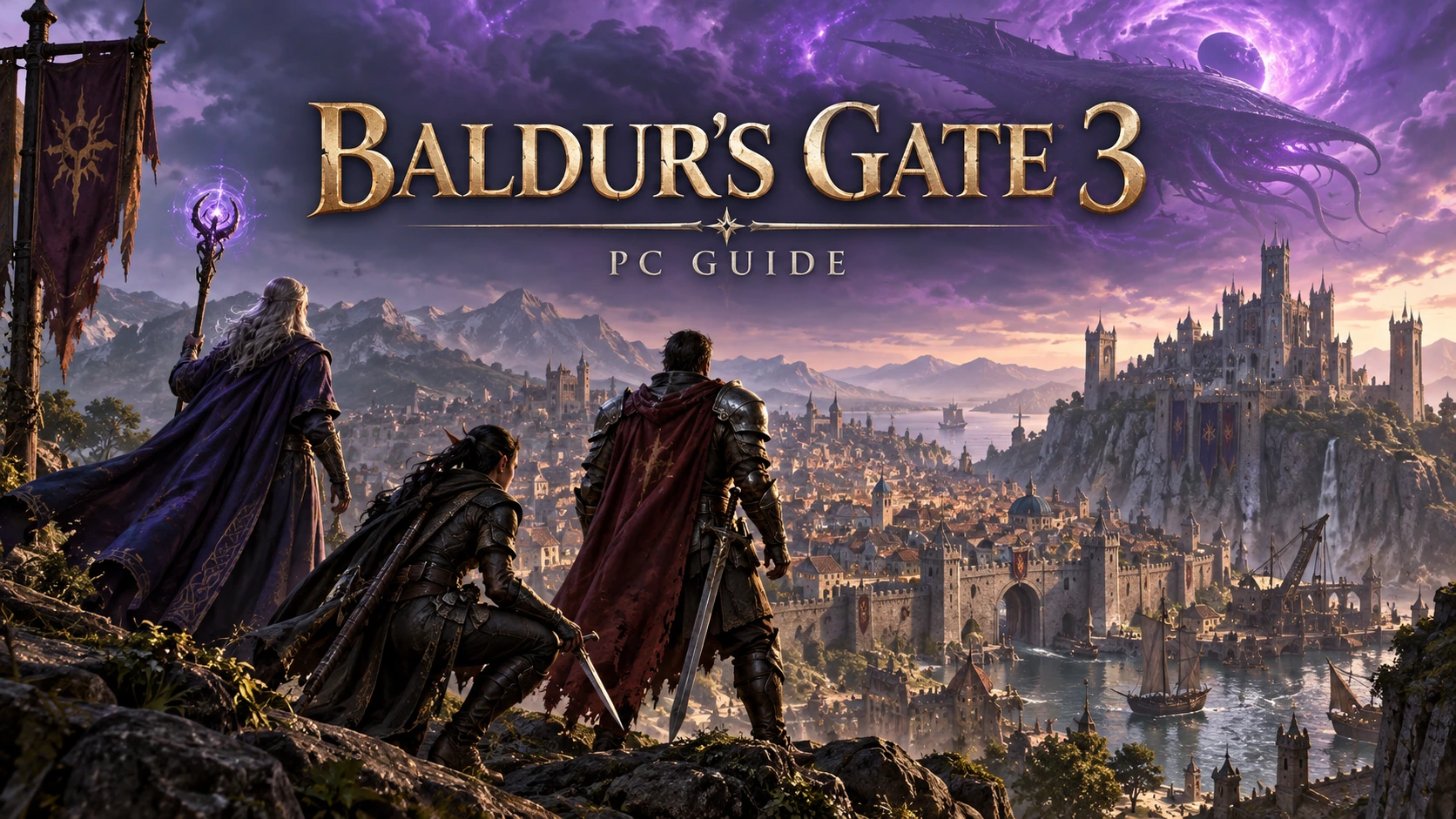
Baldur's Gate 3 trainer and mod guide
Baldur's Gate 3 encourages experimentation, from unusual character builds to decisions that reshape a campaign. If you are searching for a Baldur's Gate 3 trainer, first decide whether you need a temporary gameplay adjustment or a persistent mod. This distinction helps you choose the right approach and avoid complicating a long campaign unnecessarily.
Start with official mod support
Larian provides an official mod ecosystem with an in-game Mod Manager. Its supported content includes community creations such as equipment, classes, spells, and cosmetic changes. The studio also provides a PC toolkit for creators. Official support is a useful starting point, although it does not mean every possible combination of mods will behave perfectly.
A trainer and a mod manager serve different purposes. A trainer typically targets values while the game runs; a manager organizes installed modifications. Installing a mod manager does not automatically enable trainer functions, and a trainer does not replace the dependencies required by a mod.
Choose changes for your campaign
Begin with one clear objective. You might want a different interface, a new character option, or a less demanding solo adventure. Read the description of each proposed addition and check whether it requires a new campaign. Avoid selecting several overlapping changes simply because they appear in a popular collection.
For your first experiment, choose a small modification with clear documentation. Keep a note of its name, version, dependencies, and installation source. That short record becomes valuable when a later update changes behavior or a friend needs to reproduce your setup.
Protect saves and party consistency
Create a manual save before changing your setup, then maintain a separate backup with the game closed. Do not rely solely on quicksave slots that can be overwritten during testing. Name your test saves clearly so they are easy to distinguish from the original campaign.
For cooperative play, agree on the modifications with everyone in the party. Compare required versions and dependencies before starting the session. A setup that works in your solo campaign is not proof that another player's installation matches it. Keep external gameplay adjustments away from sessions where other participants have not agreed.
Troubleshoot missing or broken content
If a mod does not appear, check that it is enabled in the intended manager and that its requirements are present. Review Larian's support information and the creator's notes. Confirm that you selected a release intended for your platform instead of assuming all versions are interchangeable.
After an update, investigate recent changes first. Test with a clean campaign or a separate profile when available. Avoid removing large scripted additions from your main save without reading their uninstall guidance. Missing items and unexpected loading behavior should be investigated before overwriting older saves.
Download and compatibility notes
There is no universal trainer feature list covered by this article. Supported options must be checked against the actual creator's documentation and your installed build. Be skeptical of pages claiming every version works without qualification.
The Document link is currently a test placeholder, not an available trainer file. This guide remains useful for planning a stable PC setup while that link is being prepared. The cover is an original illustration rather than an official screenshot.
Options
Ctrl+Num 1 – God Mode 
Ctrl+Num 2 – Infinite Movement/Actions/Spell Slots/…
Ctrl+Num 3 – Items/Gold Won’t Decrease
Ctrl+Num 4 – Ignore Weight/No Overburden
Ctrl+Num 5 – Infinite Exp
Ctrl+Num 6 – Exp Multiplier
Ctrl+Num 7 – Set Game Speed
Ctrl+Num 9 – Minimum Roll Dice Target/Always Succeed
Ctrl+Num 0 – Max Companions Approval
Edit Selected Character Bonus Stats
Alt+ Num / – Select Character
Alt+Num 1 – Strength
Alt+Num 2 – Dexterity
Alt+Num 3 – Constitution
Alt+Num 4 – Intelligence
Alt+Num 5 – Wisdom
Alt+Num 6 – Charisma
Edit All Playable Character Bonus Stats
Alt+Num 7 – Strength
Alt+Num 8 – Dexterity
Alt+Num 9 – Constitution
Alt+Num 0 – Intelligence
Alt+Num . – Wisdom
Alt+Num + – Charisma